Check keyboard support separately
An app can support navigation without supporting text entry in every TV screen. Check whether keyboard input is supported by your chosen remote app, TV platform and the TV app you are using. A working connection is only the first requirement.
Open a text field on the TV
Navigate to a search box or another input field and select it using the TV controls. The TV must be ready to accept text. Keep track of the active field so you do not accidentally send a search term to a different screen.
Use the phone keyboard when available
Open the keyboard control in your remote app if it offers one. Try a short, non-sensitive search term first. Check the result on the television before entering more text. How text is transmitted and submitted varies: some interfaces send it immediately, while others provide a separate send action.
What the Couch interface shows
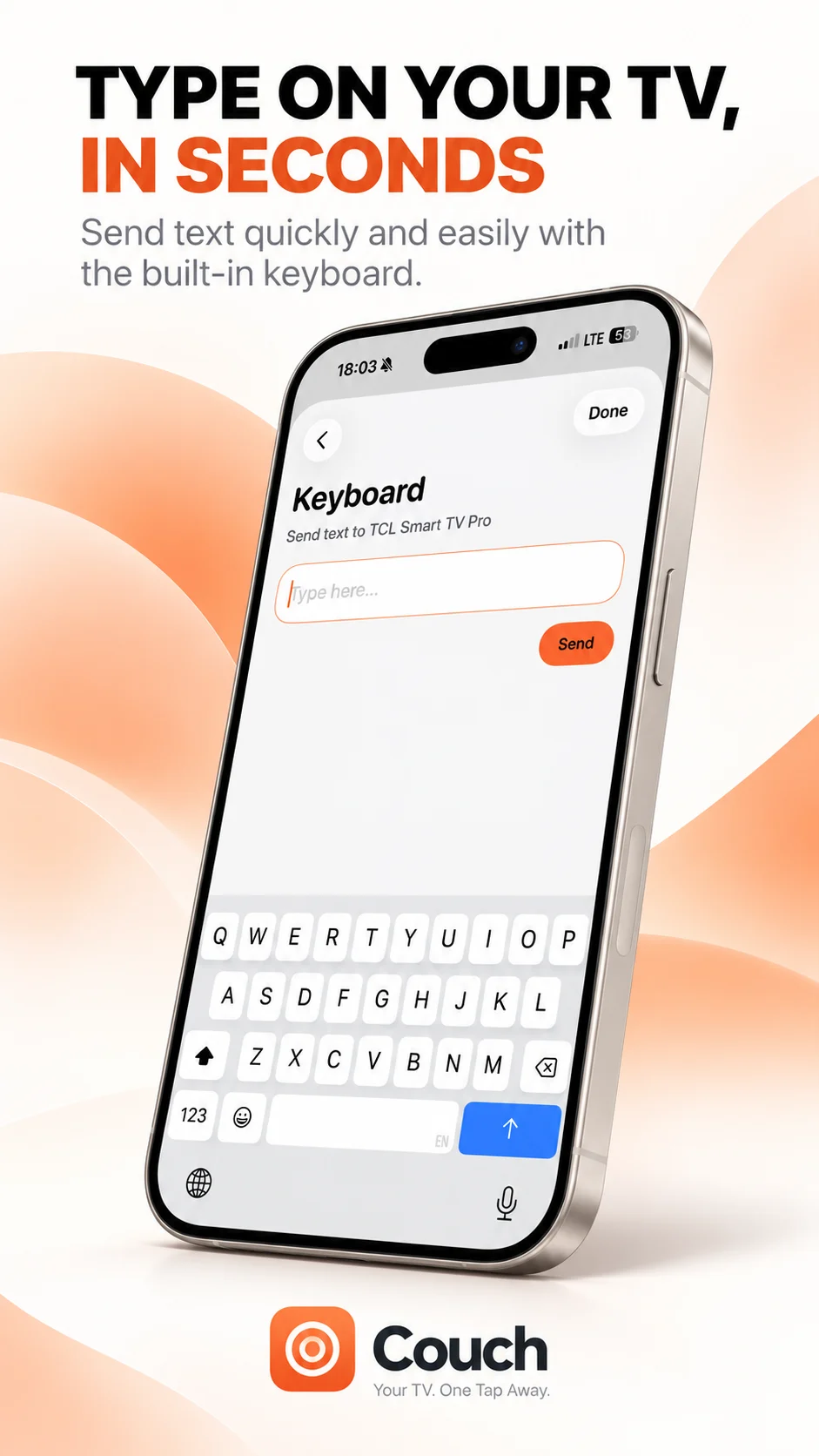
Couch’s supplied Keyboard screen has a text field and a Send button. It is designed to enter text for a connected TV. Actual availability depends on the TV and active input field; model-specific support and submission behaviour remain to be confirmed. Do not interpret the screenshot as support for every TV login or search screen.
If the text does not appear
Confirm the correct television is selected and its input field remains active. Try the remote’s directional controls to see whether the connection is still working. If navigation works but typing does not, the issue may be limited to that field or capability. Check the TV app and remote app documentation instead of repeatedly sending the same text.
Keep sensitive information private
Use an ordinary show title to test keyboard input. For passwords or payment details, use the service’s supported sign-in method and check where information is being entered. Never send a password to a support contact as a troubleshooting example. Keyboard entry, selecting the result and submitting a search are separate steps in some interfaces.
Your TV. One Tap Away.
Explore Couch’s remote, touchpad, keyboard and app shortcuts for compatible TVs.
Check compatibilityApp Store link coming soon