Check compatibility before changing settings
A missing TV may simply be outside the app’s supported platforms. Find its exact model and operating system, then compare them with the remote app’s verified support information. A brand can sell televisions with different platforms. Do not assume another model from the same brand behaves identically.
Compare the phone and TV networks
For Google TV’s iPhone virtual remote, Google says both devices need the same Wi-Fi network. Check the connected network on each device. If you use another remote app, follow its own connection requirements rather than assuming Google’s process applies. A TV connected by Ethernet requires app- and network-specific guidance.
Review Local Network access
If an app uses local-device discovery, denied permission is worth checking. On iPhone, open Settings → Privacy & Security → Local Network and review the app’s switch if it appears. An app absent from the list may not have requested permission yet. Internet access alone does not establish that local discovery is allowed.
Wake the TV and follow its prompts
Turn on the television with its physical controls or original remote. Look for an approval or pairing prompt after attempting to connect in the app. Follow the TV manufacturer’s instructions for any setting that controls remote access. Avoid changing unrelated security or router settings without understanding what they do.
Restart using platform-specific guidance
For a Google TV device, Google recommends disconnecting its power for ten seconds, reconnecting it and setting up the virtual remote again. Use your manufacturer’s procedure for other televisions. If discovery still fails, collect the TV model, software version, iOS version and the exact error. Do not share passwords or pairing codes in public support posts.
Troubleshooting Couch
Couch’s detailed discovery behaviour has not yet been verified. Its support page records the information currently available. These checks help narrow down the cause, but they do not promise that an unsupported TV will become compatible.
Official references
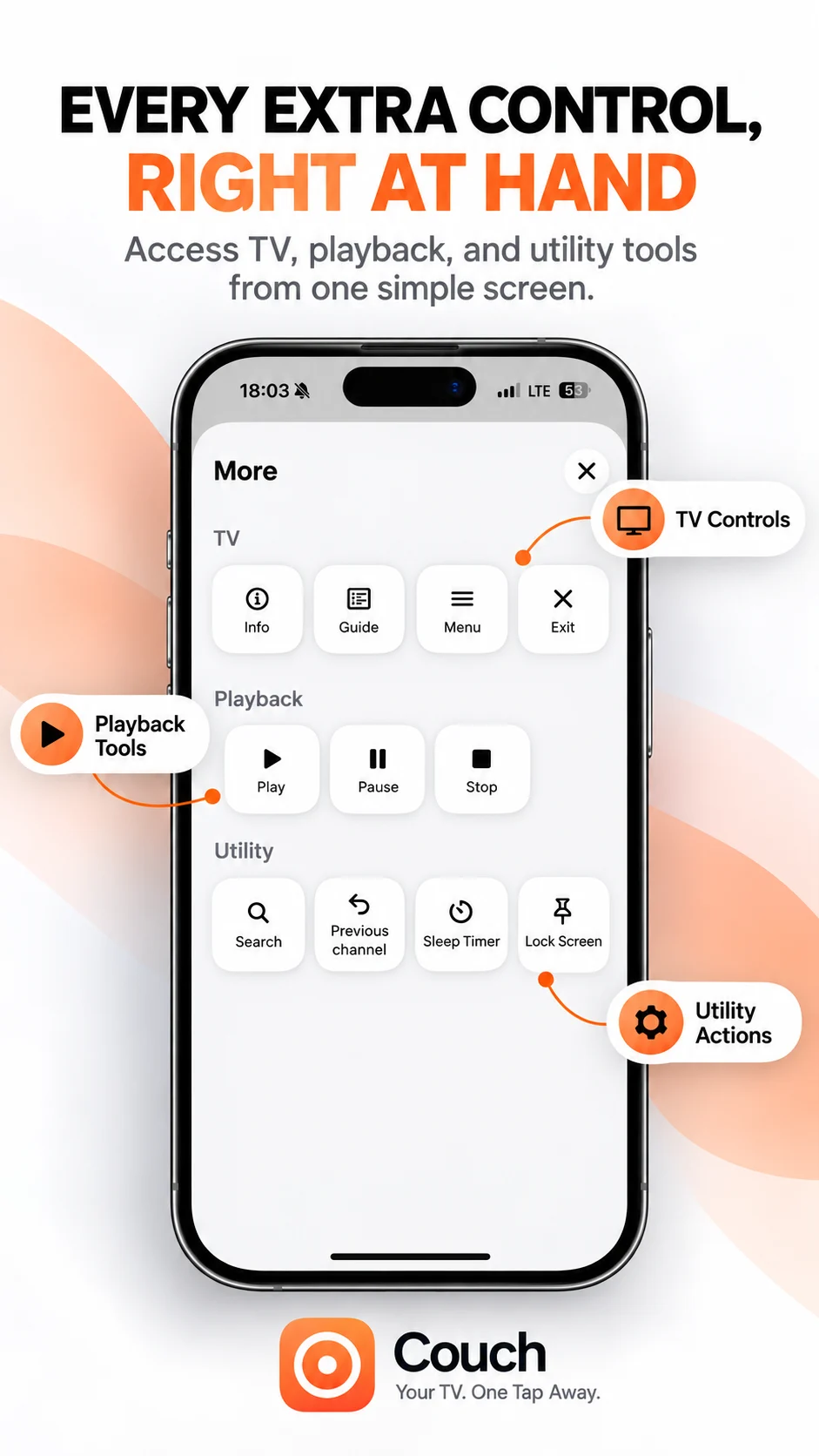
Your TV. One Tap Away.
Explore Couch’s remote, touchpad, keyboard and app shortcuts for compatible TVs.
Check compatibilityApp Store link coming soon