Download Couch.
Get the app on your iPhone.
Control your compatible smart TV with a remote, touchpad, keyboard, and app shortcuts — all in one beautifully simple app.
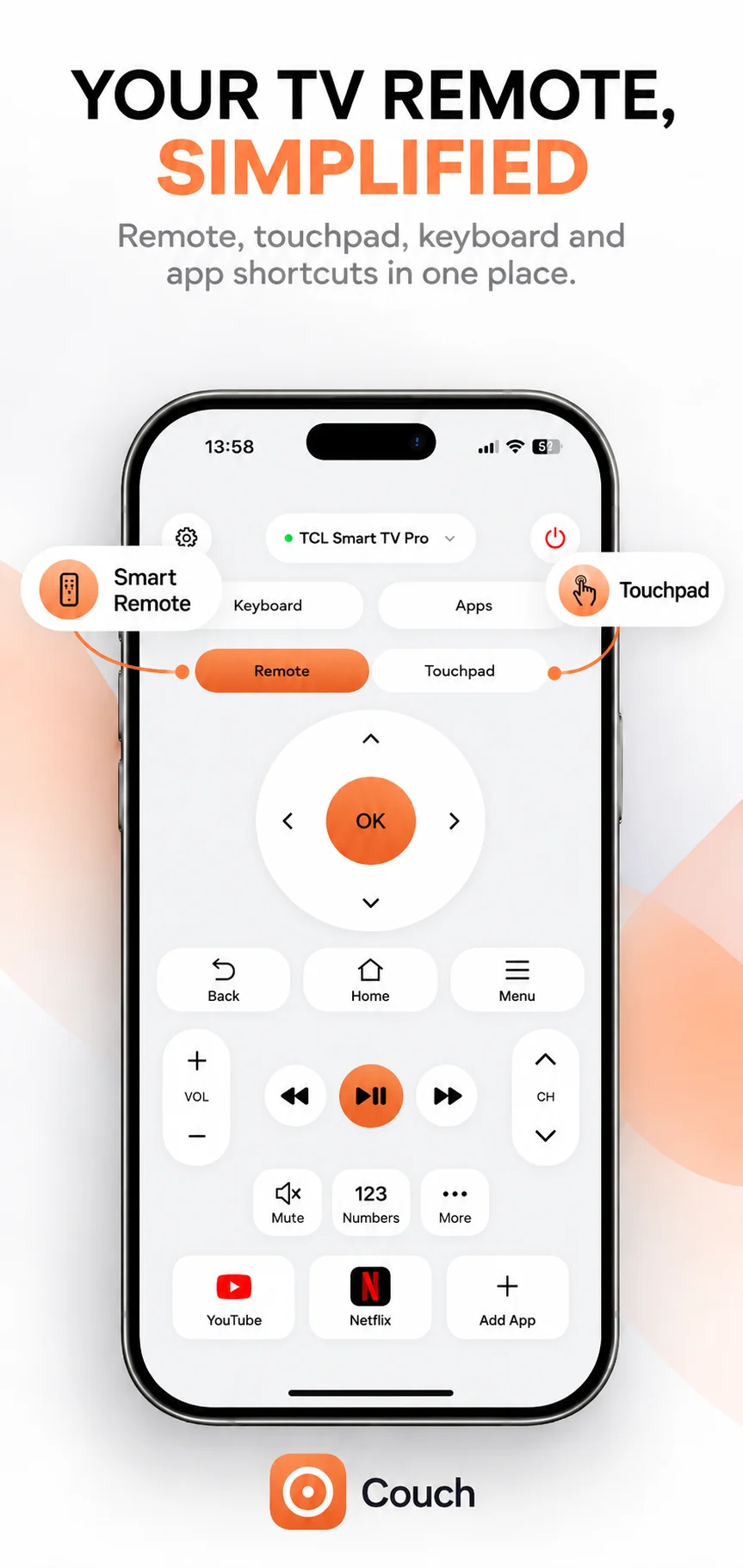
The remote went between the cushions. Your iPhone didn’t. Bring your everyday TV controls together in one beautifully simple place.
Navigation, volume, channels, playback, mute, Home and Back — where supported by your connected TV.
Explore compatibility →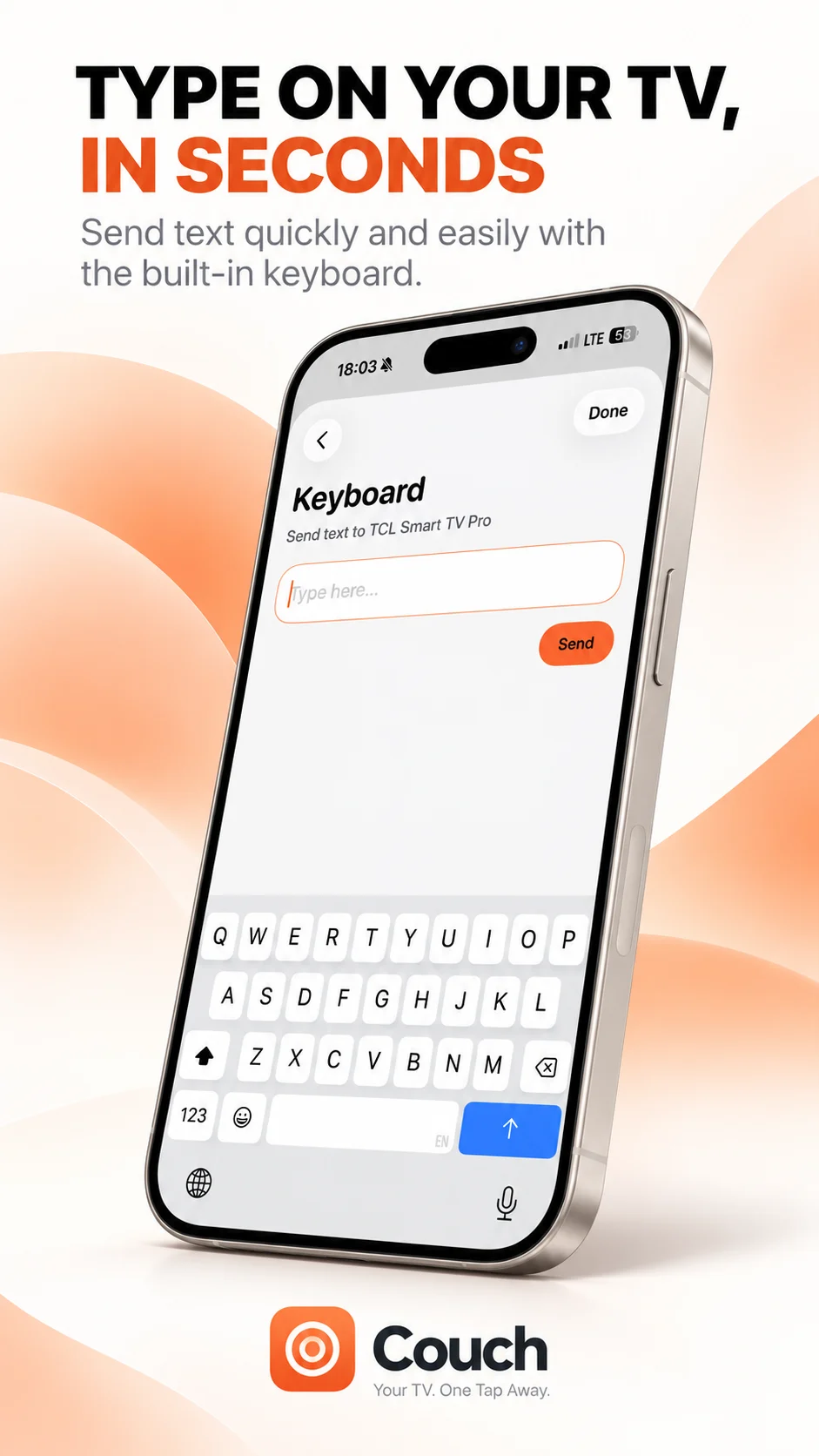
Searching for a show should feel as easy as sending a message. Use the built-in keyboard to enter text on compatible TVs. Text entry depends on the connected TV and active input field.
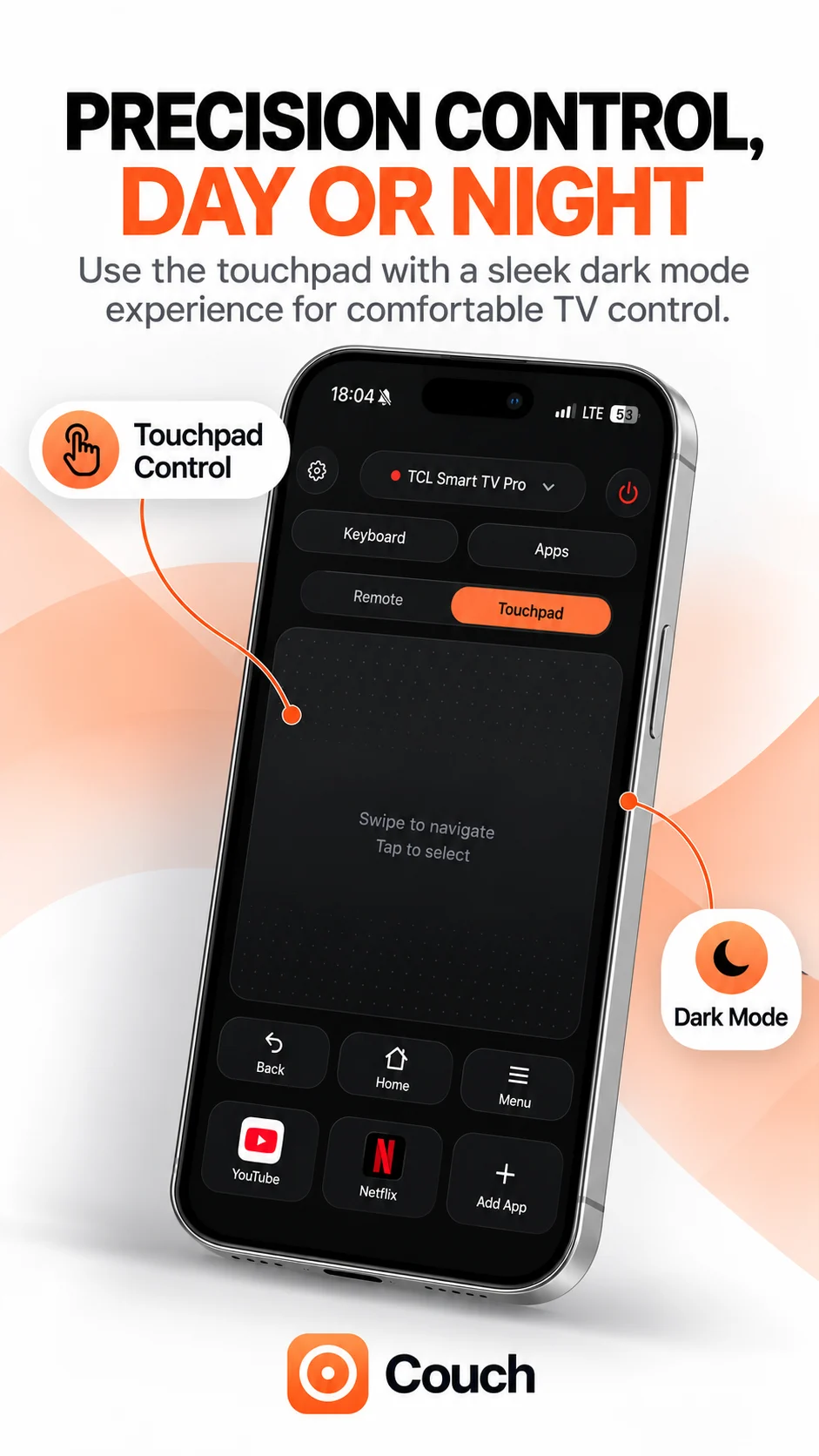
A comfortable dark interface for controlling your TV after the lights go down.
Dark mode and touchpad are shown in the supplied app interface. Release and model availability require confirmation.
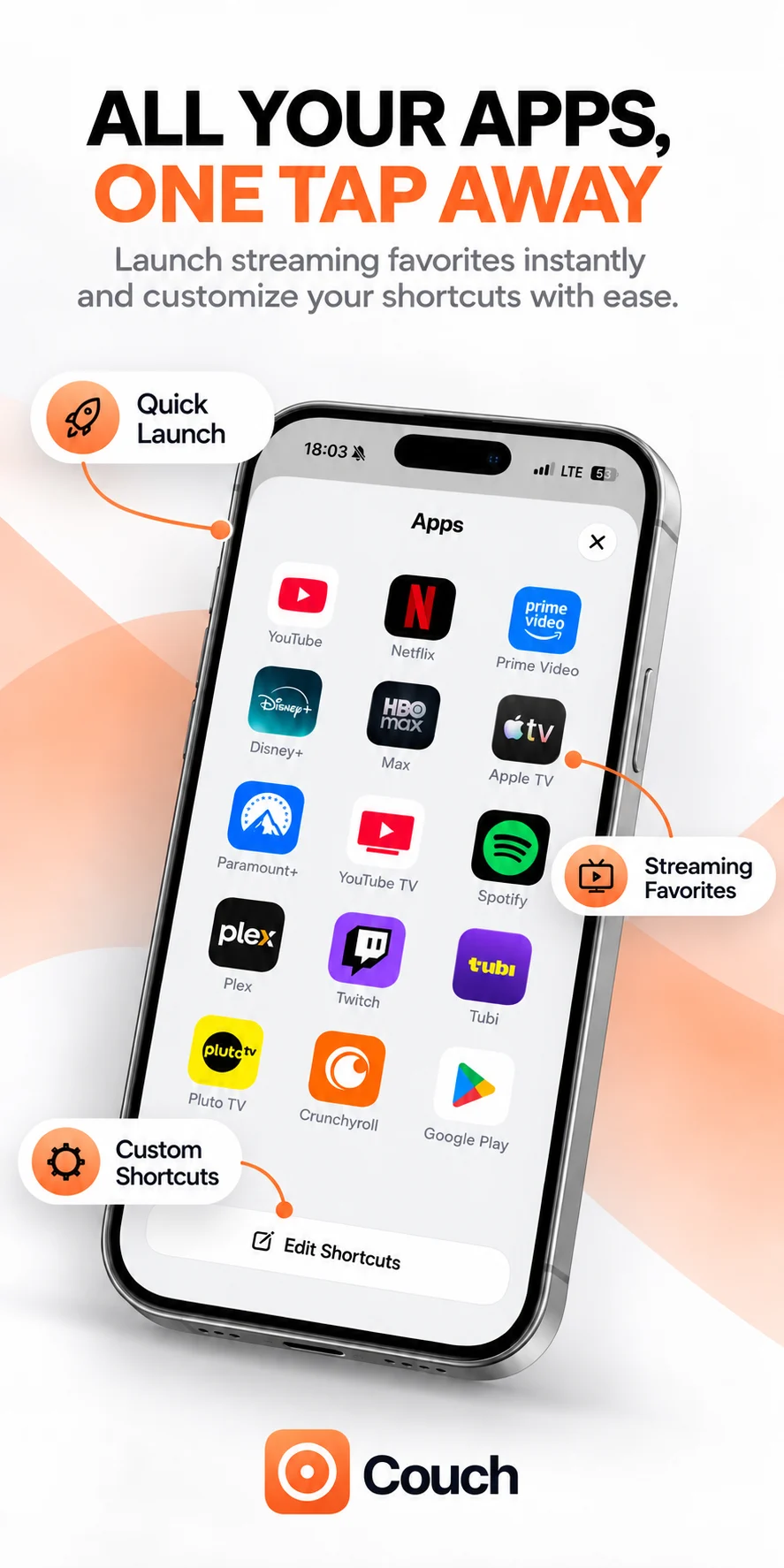
Skip the scrolling and get to the good part. The app-launcher interface puts your streaming favourites together. Availability depends on installed TV apps and model support. Streaming subscriptions are separate.
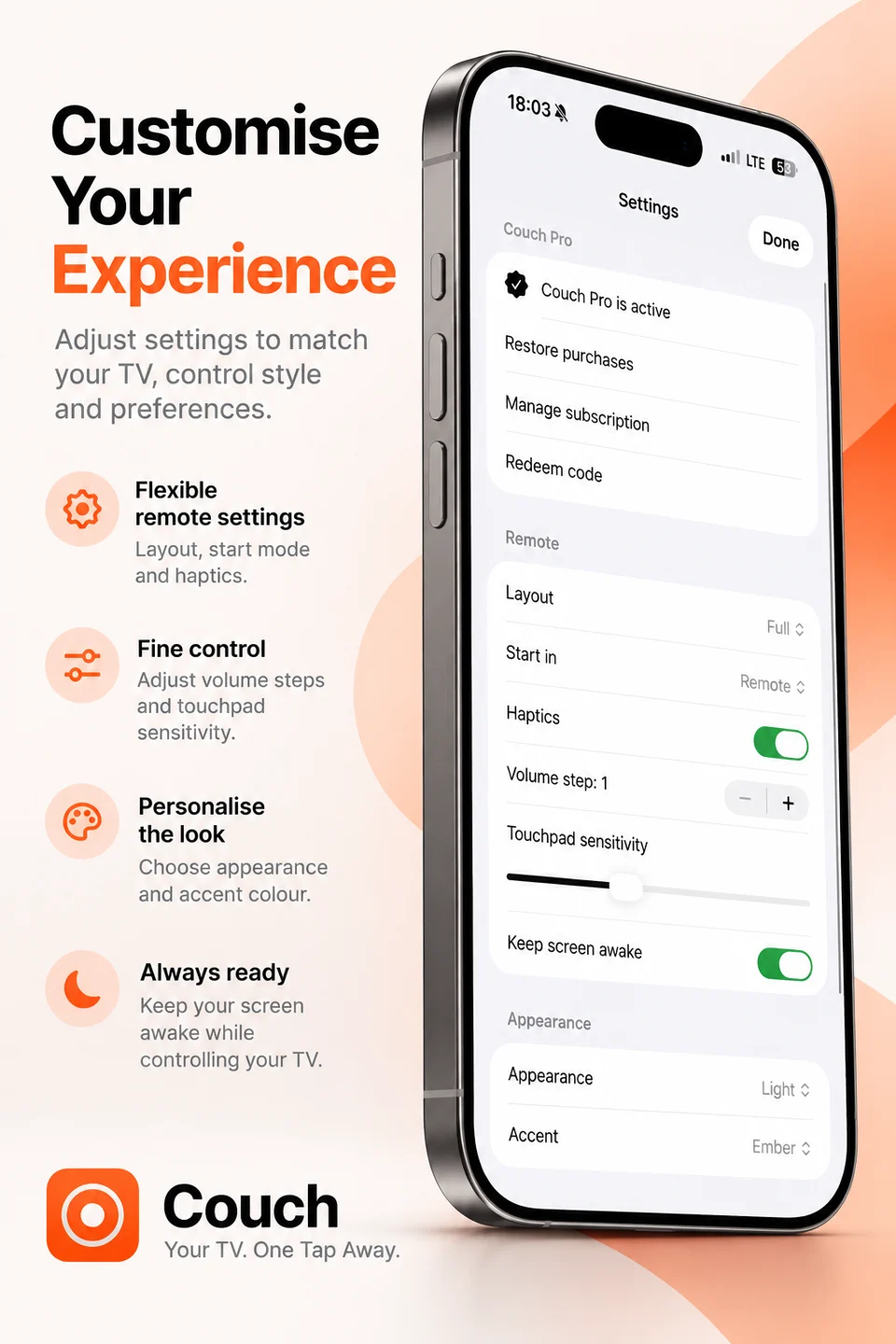
The supplied settings interface includes ways to customise your experience. Release availability requires confirmation.
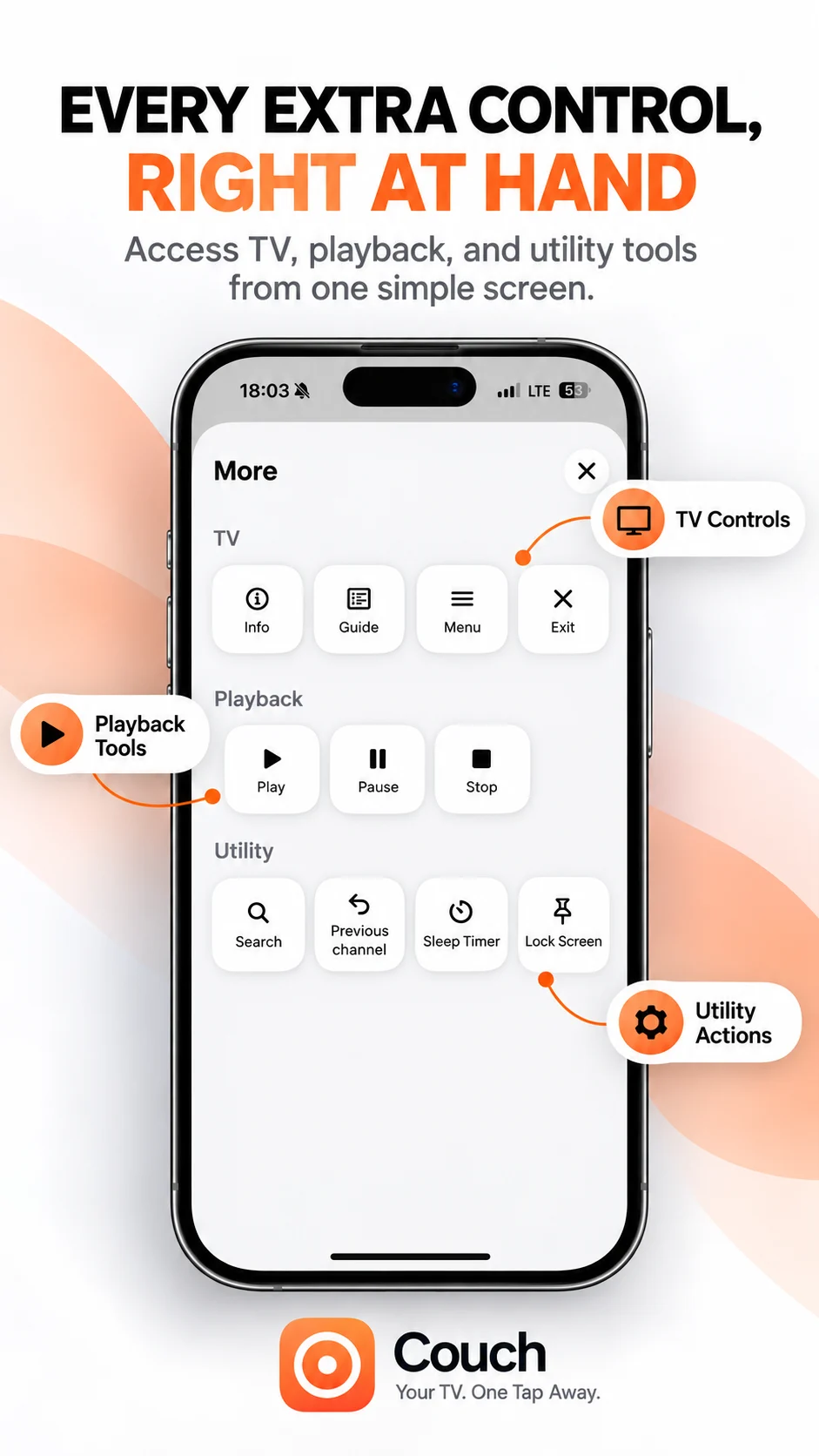
The More interface brings TV, playback and utility tools into one screen. Available actions must be confirmed for your app release and TV model.
Find support →Get the app on your iPhone.
Choose a supported TV and complete any required pairing.
Start using the remote, touchpad, keyboard and shortcuts where supported.
Model-specific pairing, Wi-Fi and iPhone Local Network permission instructions are awaiting confirmation.
Setup guides → Troubleshooting →$6 / week
Billed every week. Renews automatically unless cancelled.
$19 / month
Billed every month. Renews automatically unless cancelled.
$29 / once
$29 once. No recurring subscription.
3-day free trial available on eligible subscriptions. Check the app for eligibility and renewal details.
Purchases are completed inside the iOS app. All plans offer different access durations.
Prices shown in USD. Local App Store pricing and trial eligibility may vary.
All pricing details →Couch is a smart TV remote app for iPhone, bringing remote controls, a touchpad, keyboard and app shortcuts into one place for compatible TVs.
The verified model list is awaiting product confirmation. Check the compatibility page before downloading; support and controls can vary by TV model.
The supplied interface shows a keyboard. Text entry depends on the connected TV and the active input field; verified model support is pending.
3-day free trial available on eligible subscriptions. Check the app for eligibility and renewal details.
$29 once. No recurring subscription. Plans are presented as different access durations; no plan-specific feature differences have been confirmed.
Use Apple’s subscription management in your Apple Account. Check the app’s purchase screen for renewal details.